We are AI-enabled technologists
Every step—from whiteboard to deployment—is handled with rigor, precision, and expertise.
We design and deliver systems that are technically excellent, robust, future-proof and practical to operate.
We translate complex opportunities into elegant, production-grade solutions.
We build with precision, scalability, and a clear understanding of the business context.

Built for impact
Confidence through thoughtful engineering, continuous innovation, and uncompromising craftsmanship.

Beyond Code
Strategy, maintainbility & cost-effectiveness. Accurate analysis and balanced decisions.

Measurable advantage
Our work is defined by outcomes: faster operations, smarter decisions, and capabilities that compound over time.
Transforming Ideas into Intelligent Solutions
Software consultants specializing in ruby, javascript, php and python.
Empowering our clients with AI/ML integration, custom model development, and intelligent automation for forward-thinking businesses.
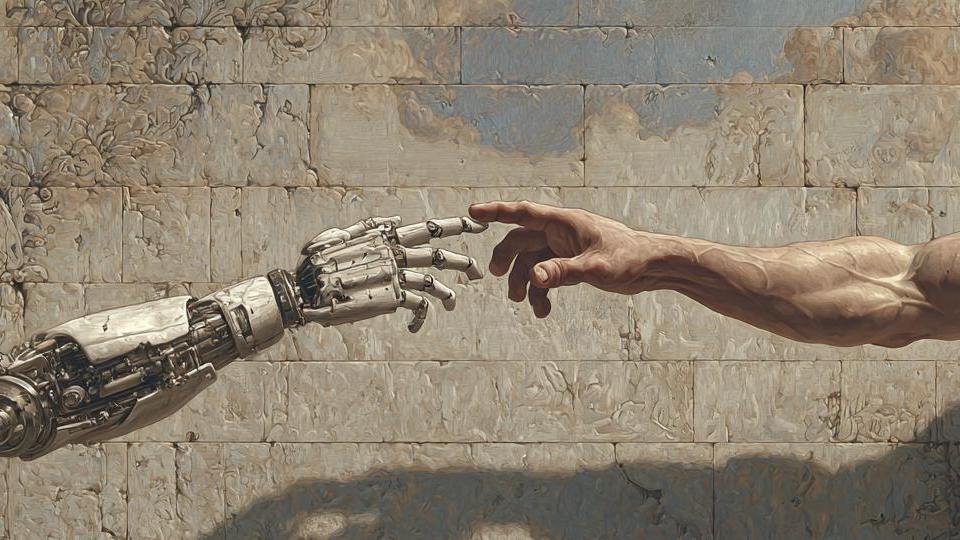
"We use AI but we are Human."
Real thinking.
Real people.
Crafted, not generated.
Invented, not imitated.
The future needs
more humanity.
Not less.
AI can replicate patterns.
Humans create meaning.
.
Latest Articles
All Articles

[FIXED]: Drupal 9 Error: Call to a member function transformDimensions() on null

[FIXED]: Drupal 9 Error: Call to a member function transformDimensions() on null in template_preprocess_image_style() (line 263 of core/modules/image/ image.module)

The Importance of Writing Things Twice

In many domains, critical information is deliberately written down twice in two different places. While this might appear redundant, the practice is a safeguard against errors, loss, and failure. The underlying principle is simple: no single point of failure should be able to compromise the system.