
We are AI-enabled technologists
Every step—from whiteboard to deployment—is handled with rigor, precision, and expertise.
We design and deliver systems that are technically excellent, robust, future-proof and practical to operate.
We translate complex opportunities into elegant, production-grade solutions.
We build with precision, scalability, and a clear understanding of the business context.

Built for impact
Confidence through thoughtful engineering, continuous innovation, and uncompromising craftsmanship.

Beyond Code
Strategy, maintainbility & cost-effectiveness. Accurate analysis and balanced decisions.

Measurable advantage
Our work is defined by outcomes: faster operations, smarter decisions, and capabilities that compound over time.
Transforming Ideas into Intelligent Solutions
Software consultants specializing in ruby, javascript, php and python.
Empowering our clients with AI/ML integration, custom model development, and intelligent automation for forward-thinking businesses.
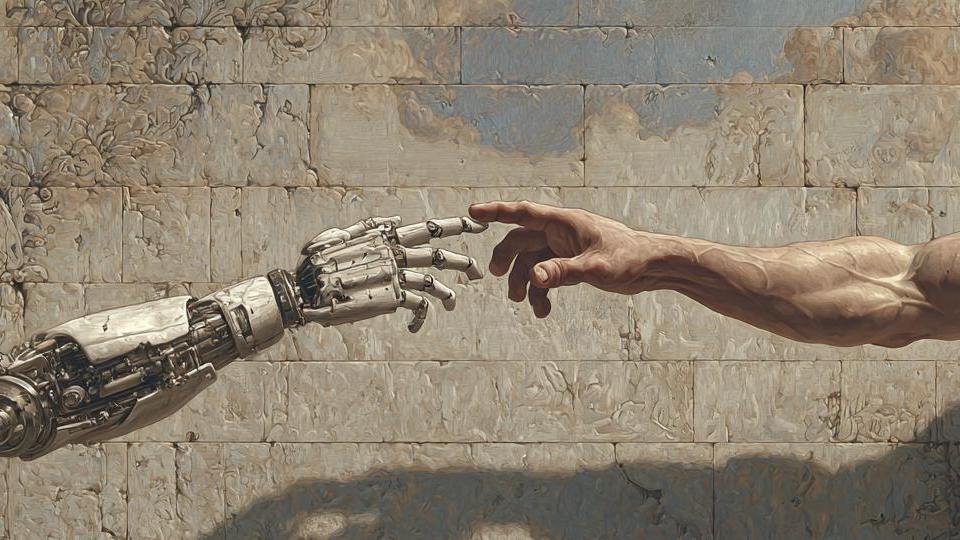
"We use AI but we are Human."
Real thinking.
Real people.
Crafted, not generated.
Invented, not imitated.
The future needs
more humanity.
Not less.
AI can replicate patterns.
Humans create meaning.
.
Latest Articles
All Articles
Open-source antivirus
Check it out: https://www.clamav.net/
HTML class naming conventions, and id naming conventions
In HTML, classes should be lower-case with dashes:
<div class="class-name-1 another-class-name"> </div>
There are exceptions:
<div class="BookChapter" ></div>
However, ids should be camelCase or PascalCase (capitalized first letter):
<div id="thisDiv"></div><div id="anotherArray"></div>
What's a better name: tag1 or tag_1 ? Should it be tag-1 or tag_1 ?
Or the same question can be asked as: what's a better name: tag1 or tag-1? Depending on if underscores are disallowed, or dashes are disallowed.
While we are on the topic of dashes vs underscores, check out when to capitalize HTML classes, and when to keep ids in Pascal Case.
[FIXED]: An external drive not mounting on mac (fsck, not fdisk)

This happened to me recently... I may have unplugged an external 5Tb harddrive without ejecting it from mac os x 13, and it could not be mounted again. I plugged the harddrive into a windows machine, run "repair" there (whatever that means) and the data was perfectly readable. It's just that the disk would not mount on mac.
Stackoverflow to the rescue! The solution is:
sudo pkill -f fsck
Or actually
ps aux | grep fsck